
Super Recorder
Your go-to for screen recording.
- App demos
- Technical tutorials
- Educational content
- Product walkthroughs
Make your video worth watching.
Download NowCOMMUNITY
See It In Action
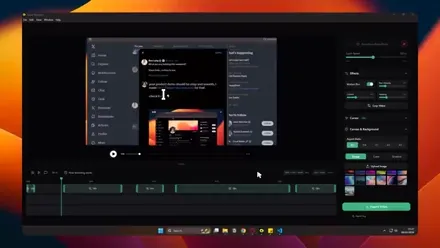
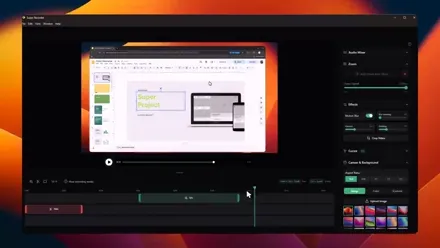
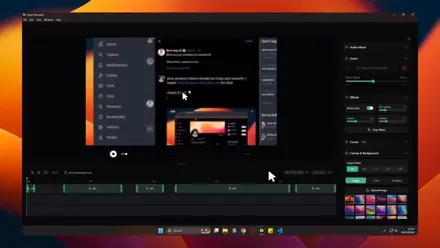
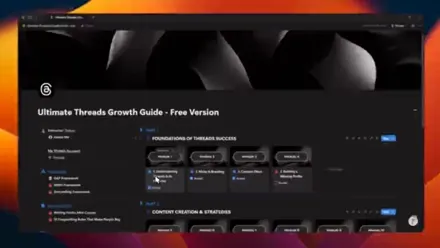
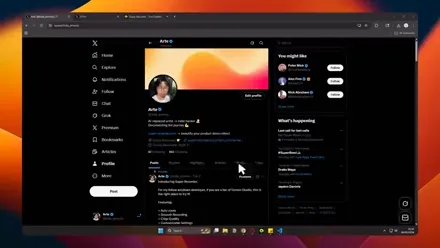
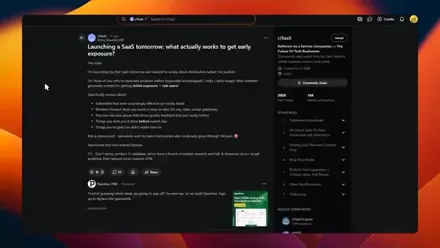
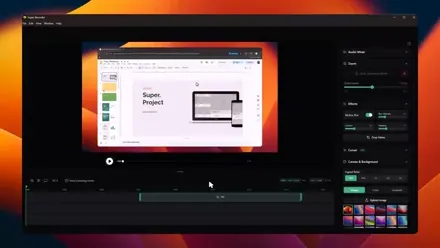
Real recordings made with Super Recorder
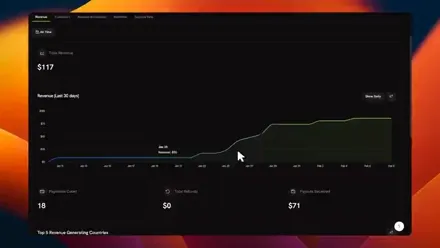
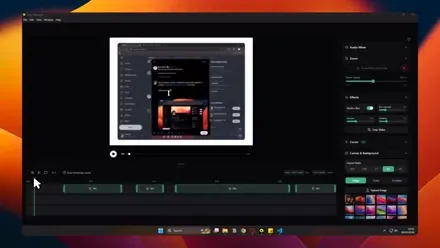
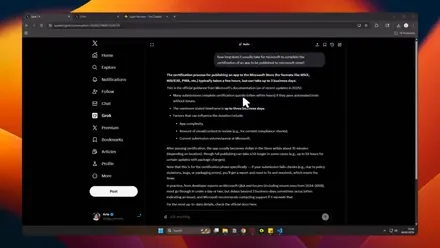
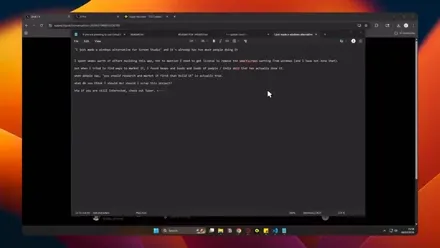
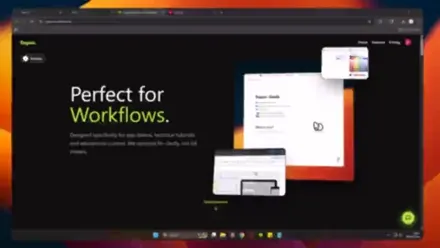
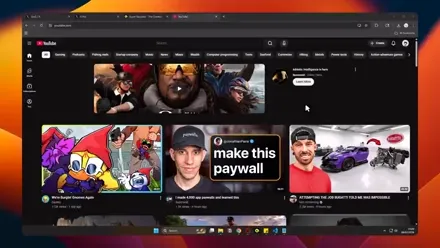
Wall of Love
What people are saying
It looks super cool and clean
Looks really cool, love the mouse effect
Amazing. Was looking to hire someone to edit these kind of videos, now I think I can do it myself. Thanks!
Soo cool.
I think I need it!
Lightweight and fast. Exactly what I needed for quick screen grabs.
That’s impressive, Looks very premium
This is awesome!
Amazing. Was looking to hire someone to edit these kind of videos, now I think I can do it myself. Thanks!
Soo cool.
I think I need it!
Lightweight and fast. Exactly what I needed for quick screen grabs.
That’s impressive, Looks very premium
This is awesome!
Nice, thanks! I’ve been searching everywhere for this.
Oh thats cool, ive been asking for an app that helps record demos to show others on tweets.
Oh man that looks so good, i need to check it out!.
Fire.
The export presets for socials save me so much time every week.
Best $29 I ever spent. Lifetime deal was a no-brainer.
Nice, thanks! I’ve been searching everywhere for this.
Oh thats cool, ive been asking for an app that helps record demos to show others on tweets.
Oh man that looks so good, i need to check it out!.
Fire.
The export presets for socials save me so much time every week.
Best $29 I ever spent. Lifetime deal was a no-brainer.
I demoed this to my team and 5 people loved it on the spot.
Native resolution recording with no lag? Shut up and take my money.
The UI is so clean. Feels premium without being complicated.
Finally ditched that sketchy free recorder. This is the one.
My clients think I hired a video editor. Nope, just Super Recorder.
Hot take: this is the best desktop app I've used this year.
I demoed this to my team and 5 people loved it on the spot.
Native resolution recording with no lag? Shut up and take my money.
The UI is so clean. Feels premium without being complicated.
Finally ditched that sketchy free recorder. This is the one.
My clients think I hired a video editor. Nope, just Super Recorder.
Hot take: this is the best desktop app I've used this year.
Use Cases
Simple Pricing
No surprises. Cancel anytime on the monthly plan.
Creator
- 3 devices MAX
- Native / 60fps Quality
- Lifetime Updates
- Cancel Anytime
Founder
- 1 device MAX
- Native / 60fps Quality
- Lifetime Updates
- Never pay again
Building in Public
Latest shipping updates
New Features
We have added a new camera feature, allowing you to record your screen and webcam with separate video tracks. click for more details.
Linux Release
Update for Super Recorder to support Linux.
Feature update & Bug fix
Adding new features and bug fix. Click to see details.
Beta Release
Fixed exponential delayed mouse and zoom. Click to see details.
Beta Release
App release with all its features. Click to see details.
Comparison
Common Questions
Is this exclusively for Windows?
No, we now support both Windows and Linux! We built this specifically for screen.studio fans that do not have a Mac but love smooth recording.
Can I record typical desktop apps?
Absolutely. It works perfectly with VS Code, Figma, Chrome, Unity, and any other desktop application. Our desktop capture tech handles specific application windows or full screen.
Is this an alternative of Screen Studio?
Exactly, Super Recorder is a Windows and Linux alternative for Screen Studio and for people who love smooth and beautiful screen recording.
Why are there warnings when I try to install the app?
Super Recorder is a new app and Windows/Linux might not recognize it yet. Don't worry, it's completely safe! Check out our VirusTotal scan for verification. If you have any concerns, please email me at arte@super-recorder.com anytime!
What resolution does it record in?
We use Native Resolution recording. If your screen is HD, the output is HD. If you're on 2K or 4K, the output matches it pixel-for-pixel. No upscaling.
Is it suitable for gaming?
Super Recording is optimized for product demos, tutorials, and bug reports. While it can record games, it's not optimized for high-FPS gameplay like competitive shooters. Use OBS for that.
What formats are supported?
We export to high-quality MP4. It is the industry standard format that works perfectly on X (Twitter), LinkedIn, YouTube, and Slack without compatibility issues.